

Here i will show you how to lap a cpu.
In some cases your cpu temperature will go down up to 9 degrees °C !
All you need is :
– A set of sandpaper.
– A mirror or piece of glass. (has to be really flat)
– A wet towel to clean your hands and mirror/glass a few times.
– A lot of patience.
First of all order a cpu lapping set here 😉

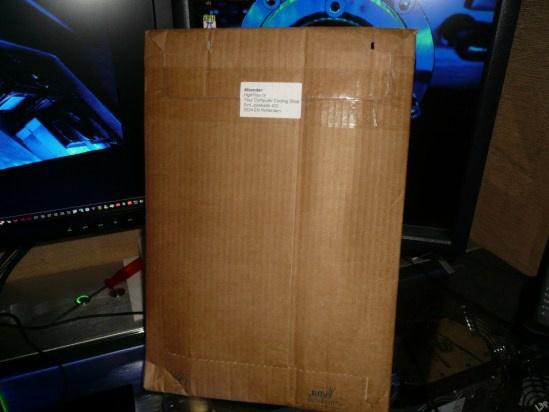
I always love to unpack packages 🙂
And some candy’s off course
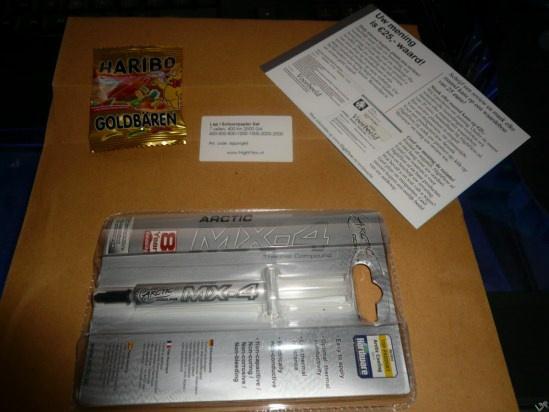
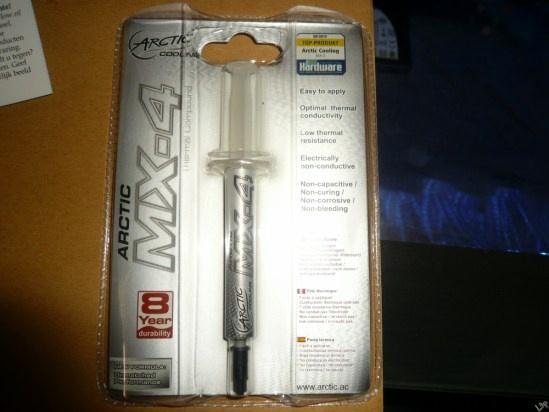
A little present from Highflow
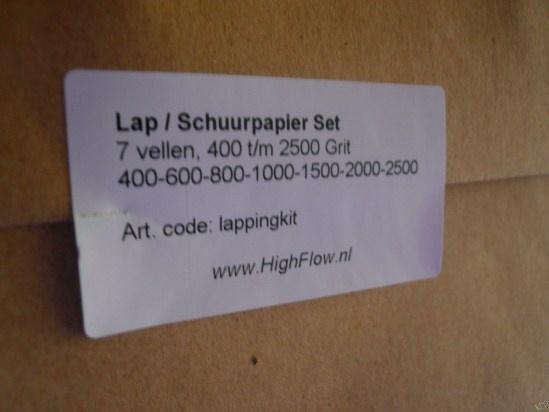
The sandpaper grit sizes
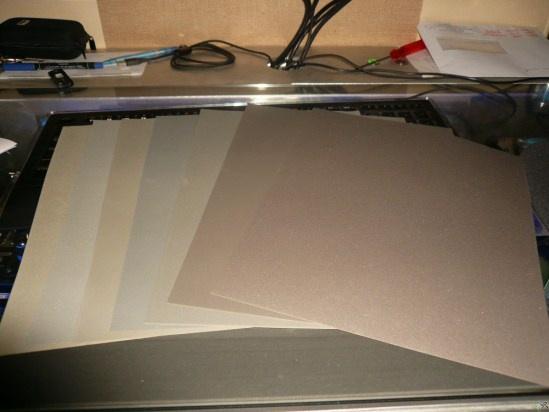
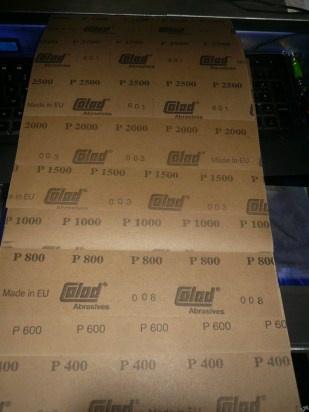
Lets start !
Maybe you can find the old protection plate of your cpu.
Else you can also protect the backside of the cpu with some tape.
Some people tape the sandpaper to the mirror, but if you do it the right way you don’t have to.
Just go from left to right on the paper.
Don’t press on the cpu, just use the weight of your hand.
Every 2 minutes turn the cpu 90° clockwise.
When i start with the first paper, i always go on till the HS has lost it’s iron/silver color.
After that the real polishing part already starts.
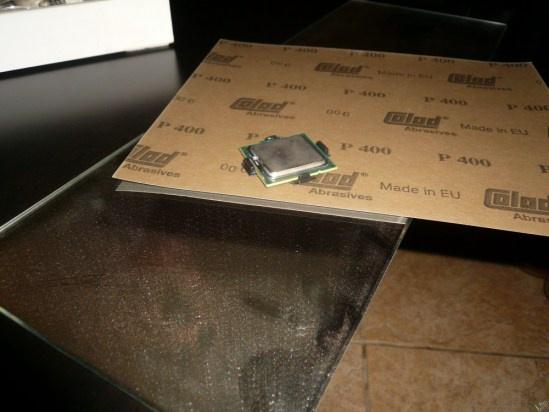
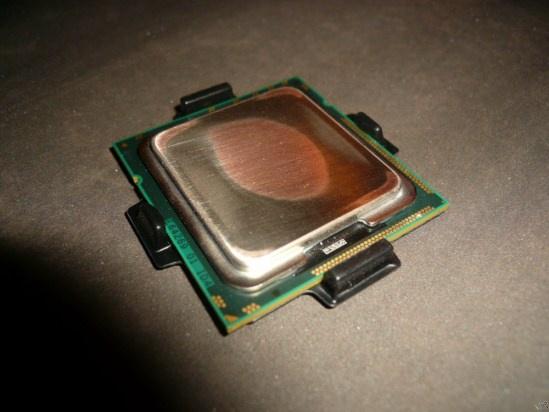
After 5 Minutes with P400
You can see this HS isn’t flat at all
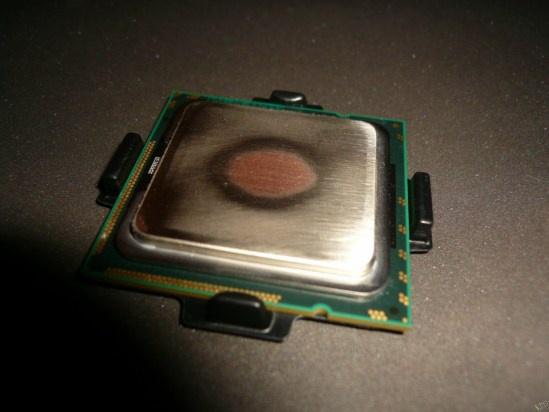
Again 5 Minutes with P400
Total 10 Minutes
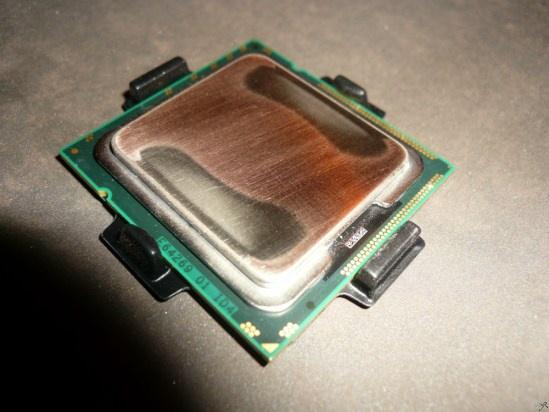
Another 10 Minutes with P400
Total 20 Minutes
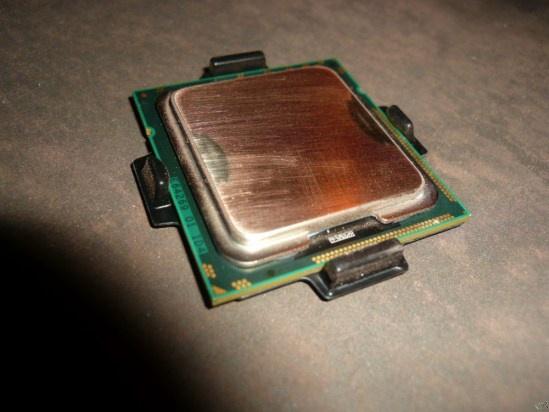
And another 10 Minutes with P400
Total 30 Minutes
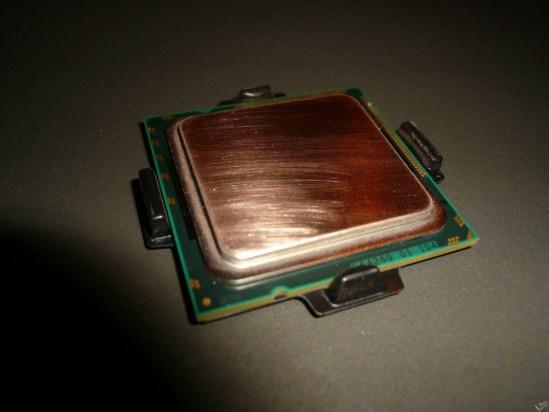
Pfff and another 15 Minutes P400
Total 45 Minutes
As you can see the HS has lost all its silver color.
Its completely flat now.
We can now go on to the polishing.
10 Minutes with P600
Total 55 Minutes
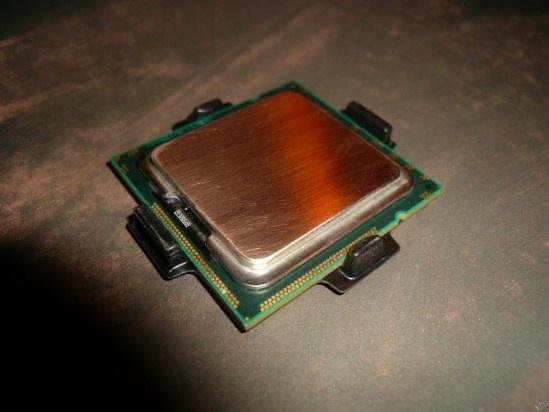
10 Minutes with P800
Total 1 hours en 5 Minutes
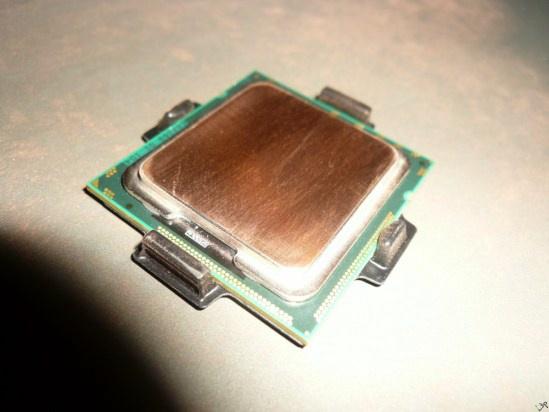
10 Minutes with P1000
Total 1 hours en 15 Minutes
You can see its already starting to work as a mirror.
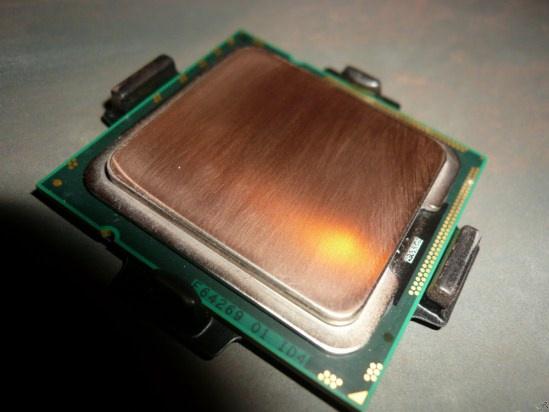
10 Minutes with P1500
Total 1 hours en 25 Minutes
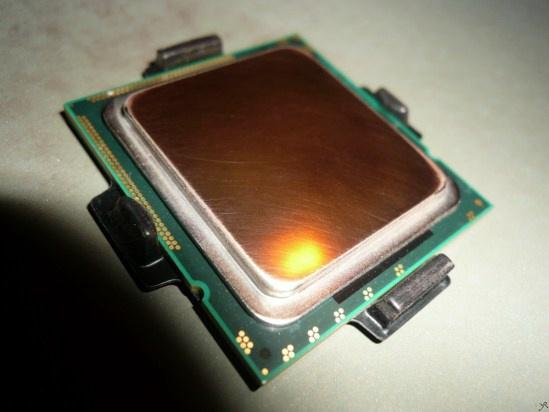
Now we need to change our strategy.
First of all clean the mirror and the cpu.
This is because the old copper particles can ruin your polish job by rubbing them into the HS.
Now you don’t go from left to right with the cpu.
Just move in a circle for 2 minutes and then turn the cpu 90° clockwise again.
15 Minutes withP2000
– Total 1 hours en 40 Minutes
Almost done 🙂
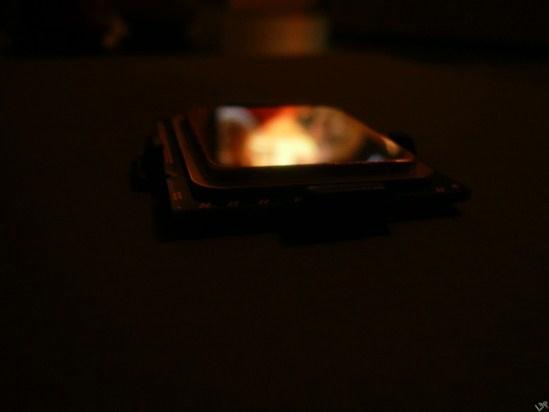
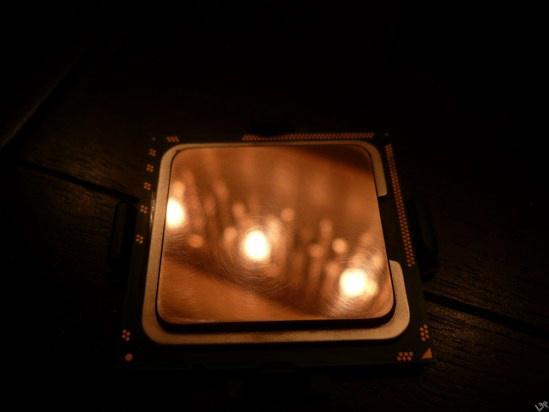
20 Minutes with P2500
Total 2 hours
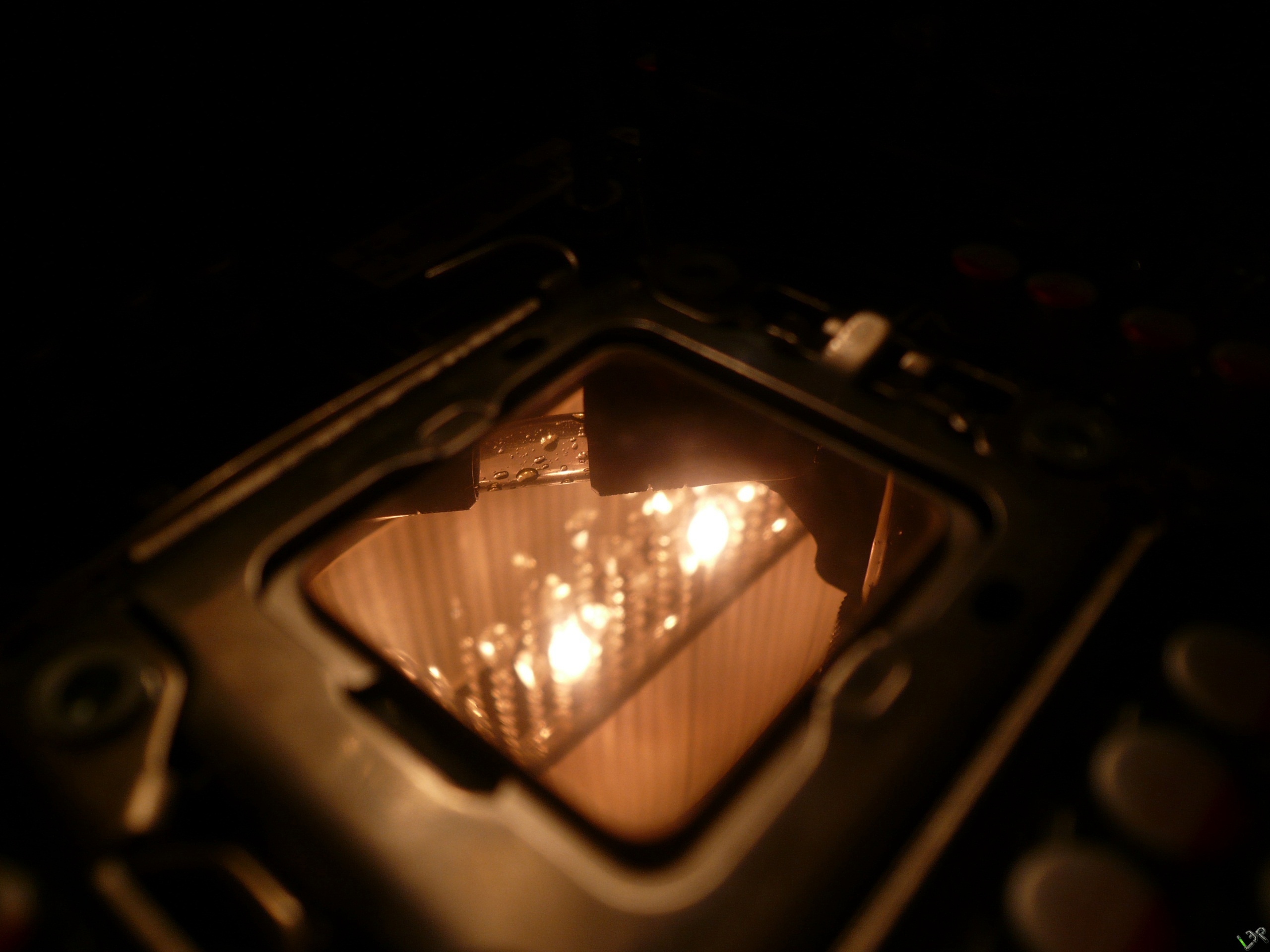
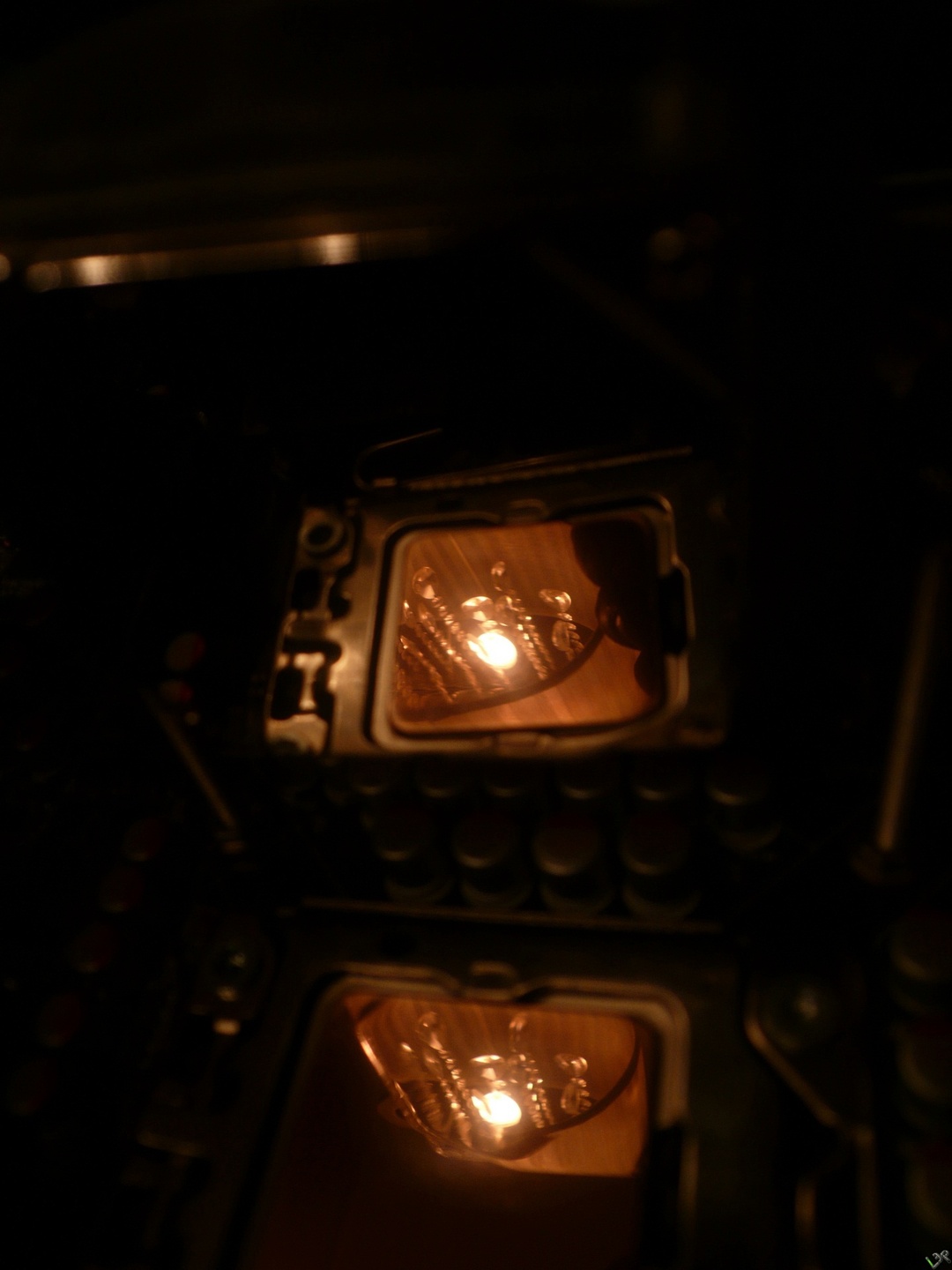
Isn’t she lovely ?
Pictures are clickable for full resolution.
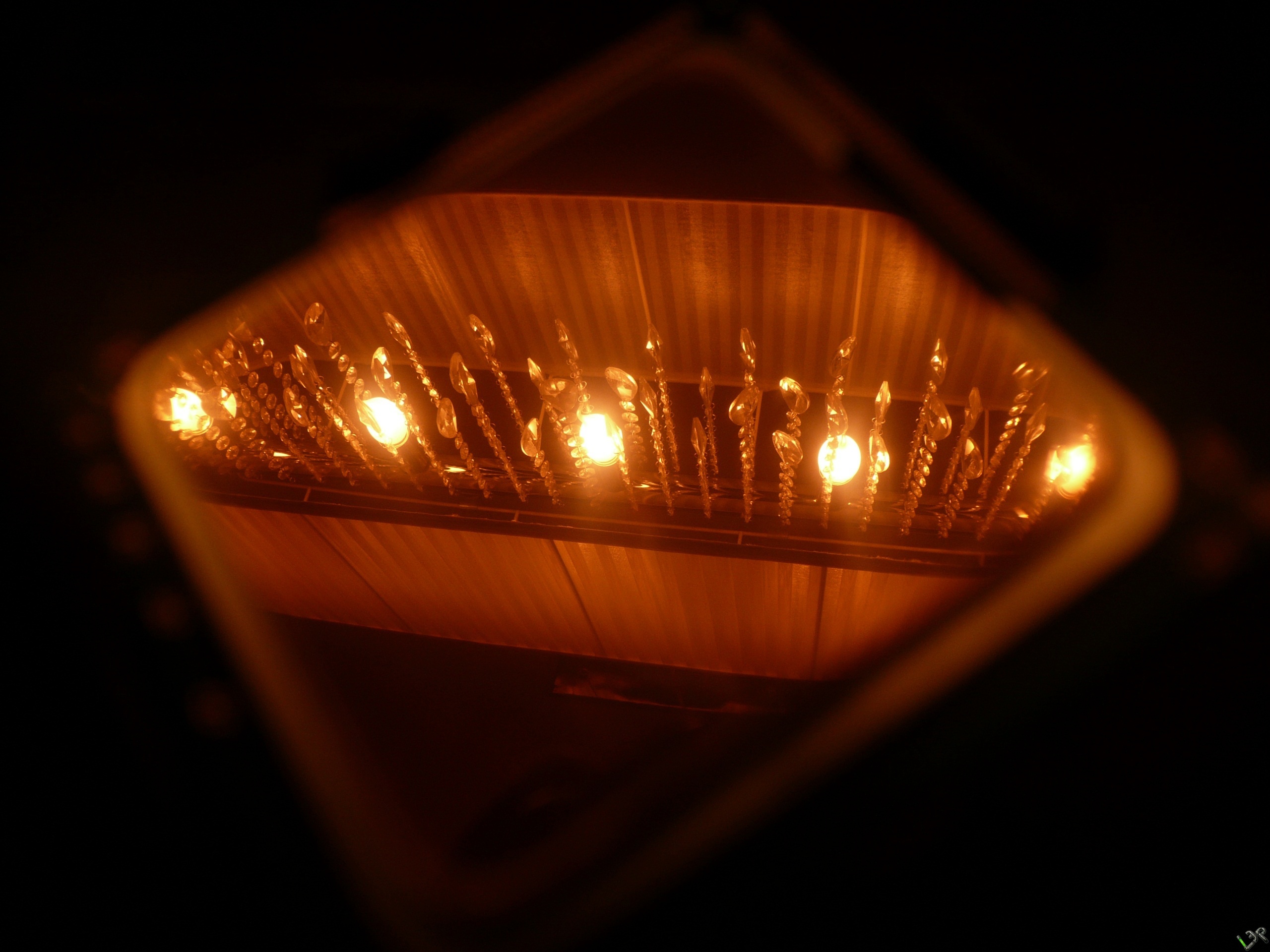
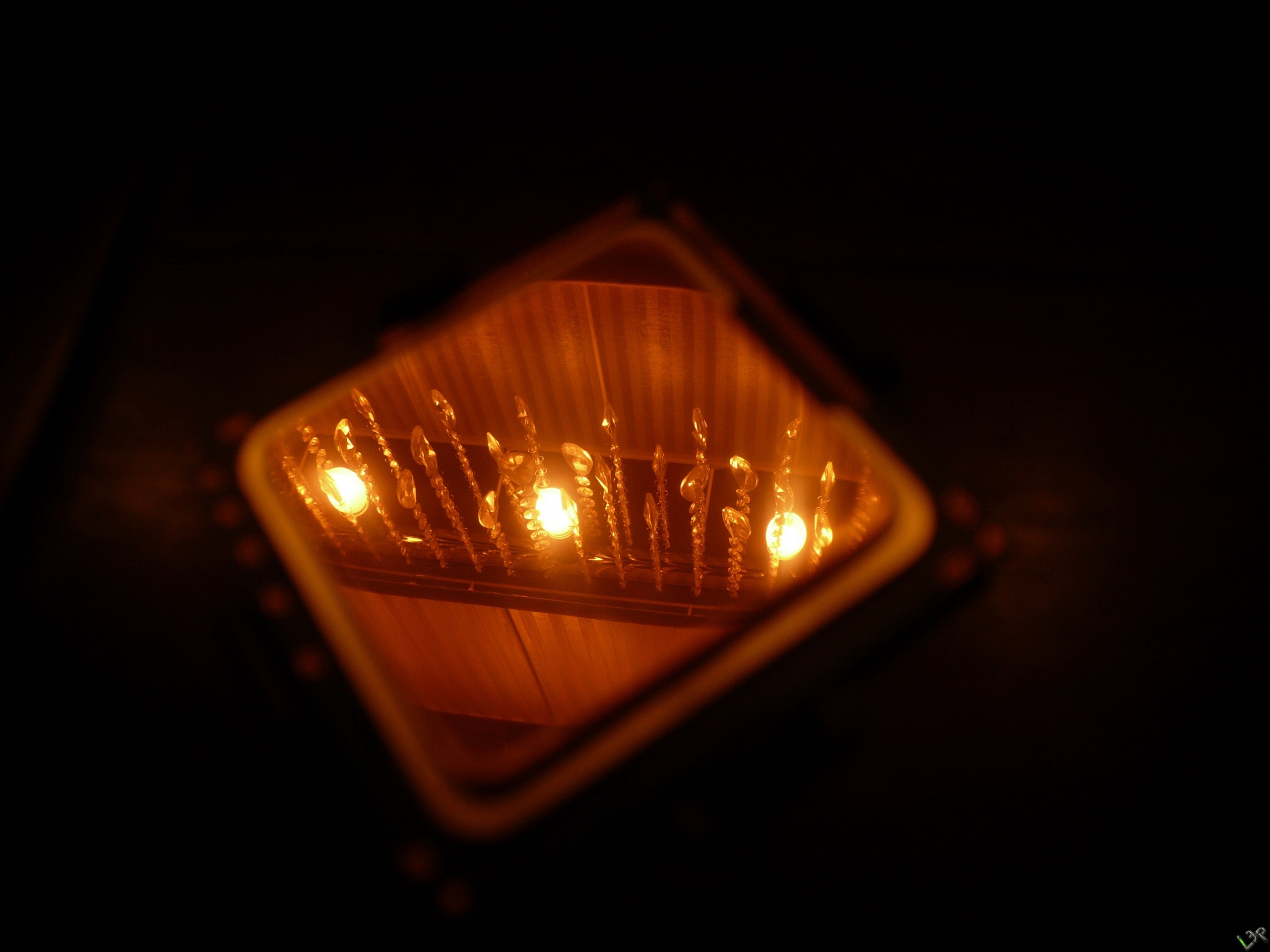

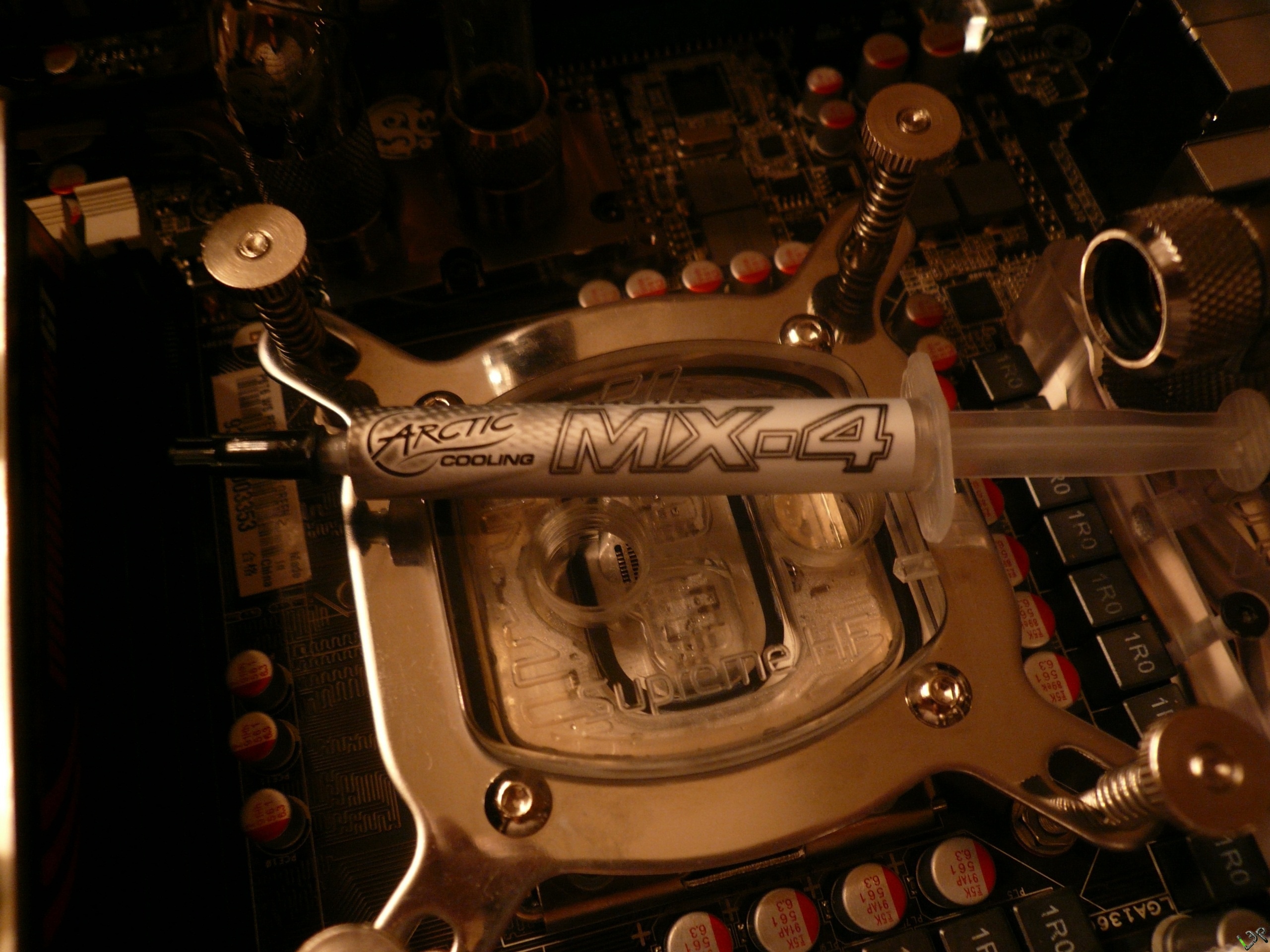
Don’t forget there’s also a difference in temperature since i used MX-2 before.
I guess that’s a 2 °C difference too
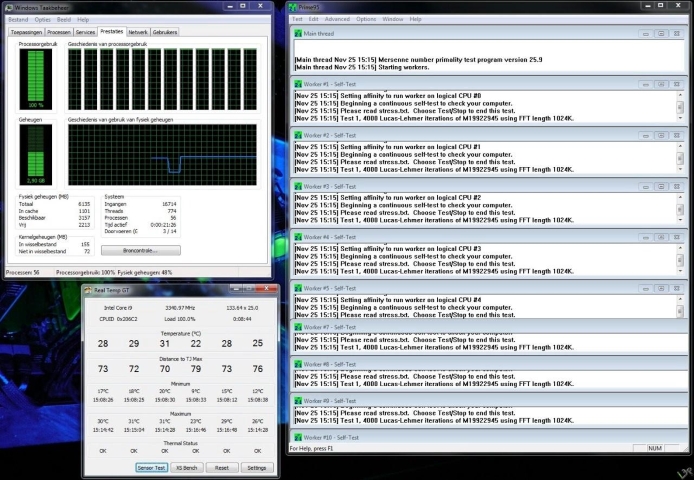
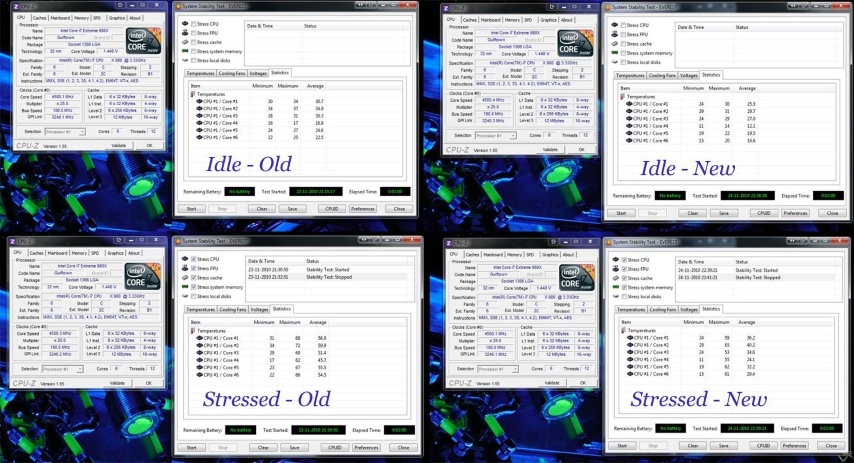
Got sore fingers but …
As you can see, quite an improvement in temperatures 🙂
For any questions you can always leave a message @ the contact page.
Goodluck !
I want to thank Highflow for the Sandpaper and the MX-4 !